Author: Sustain Media

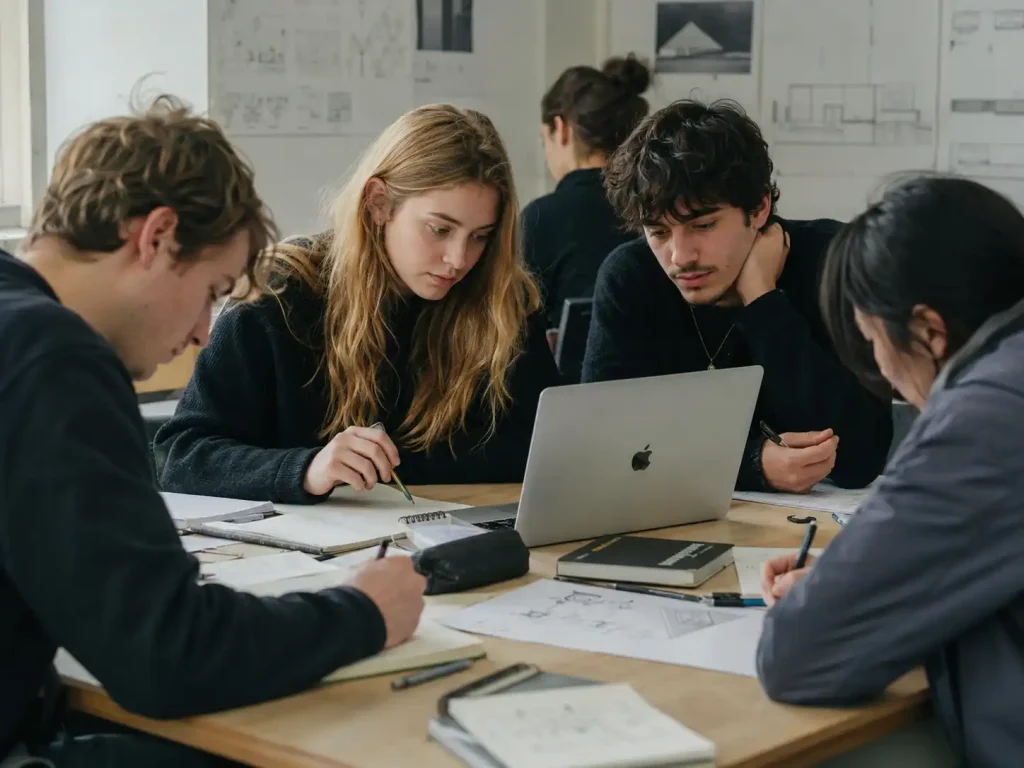
  • Collaborate seamlessly with other researchers or your students

    Collaborate seamlessly with other researchers or your students

    August 28, 2025

    Collaborate seamlessly with other researchers or your students

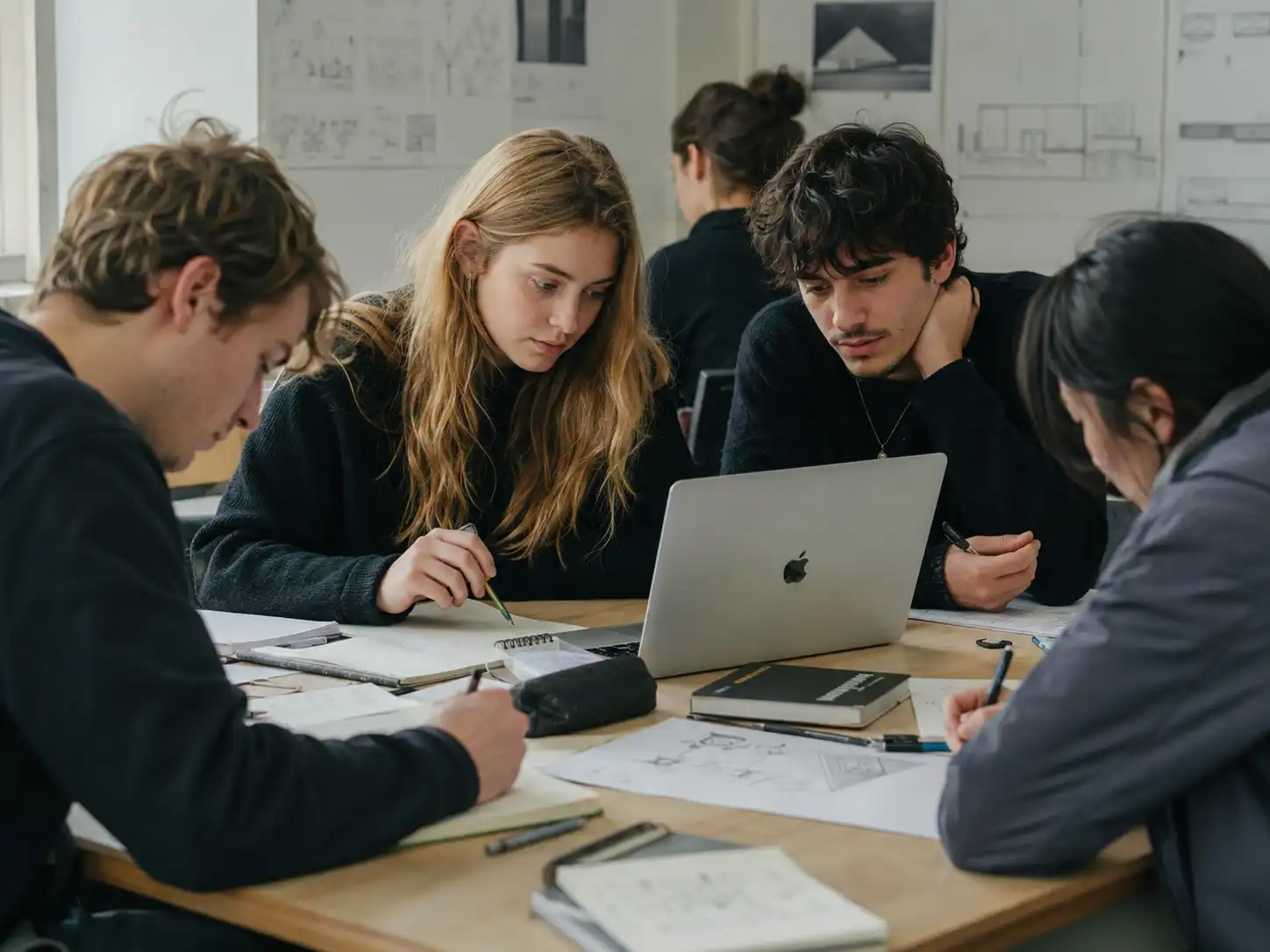
    ClioVis makes it easy to build collaborative projects, timelines, and visualizations with students, colleagues, teaching assistants, or research teams. Whether you are managing a course assignment, developing a group research project, or coordinating a digital humanities initiative, ClioVis gives project owners (instructors or students working in groups) simple tools to invite members, assign roles, and work together in real time.

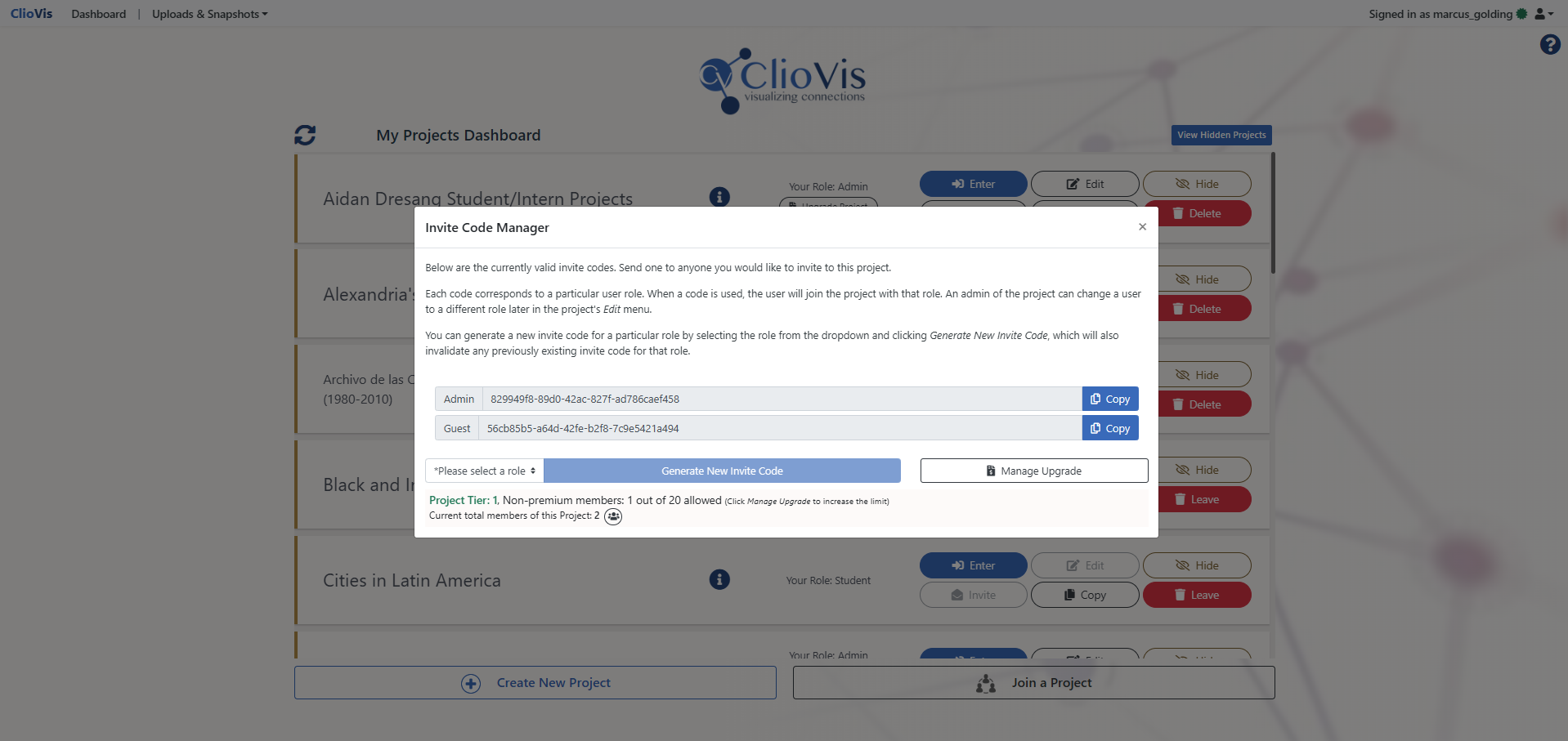
    Invite Team Members with Project Codes

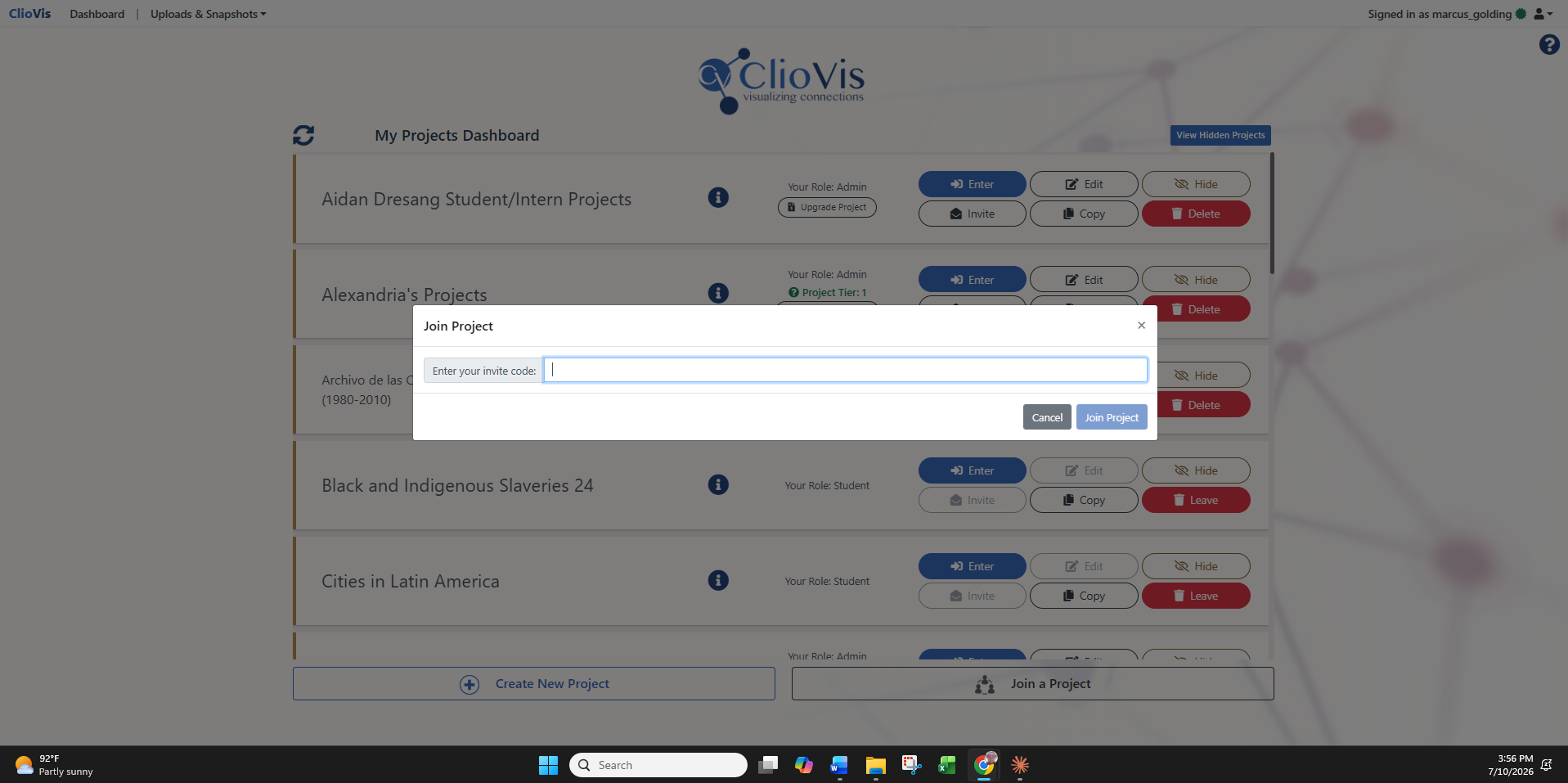
    Project owners can invite collaborators by generating a unique project invite code. Team members simply go to their dashboard, select Join a Project, paste the code, and join the shared workspace.

    This makes collaboration simple and flexible. Instructors can quickly invite students into a course project, researchers can bring collaborators into a shared workspace, and team leaders can manage access without requiring a complicated setup process.

    “In a world older and more complete than ours they move finished and complete, gifted with extensions of the senses we have lost or never attained, living by voices we shall never hear.”

    — Olivia Rhye, Product Designer

    Assign Roles and Manage Access

    ClioVis allows project owners to assign different roles to members, including admin, guests, students, and/or teaching assistant(s). These roles help determine how each person participates in the project.

    Depending on their role, members can be added to existing timelines, contribute to shared timelines, or create their own timelines within the project. This gives project owners control over their workspace while still allowing collaborators to contribute meaningfully.

    Build Timelines Together in Real Time

    Once members are added to a timeline, they can work together in real time. Team members can add events, categories, descriptions, images, sources, and connections, helping transform individual contributions into a shared visual project.

    This is especially useful for classes, workshops, and/or research teams where multiple people are responsible for building different parts of a larger timeline or concept map.

    Communicate Inside the Timeline

    Each ClioVis timeline includes an integrated chat function where team members can leave comments, ask questions, discuss decisions, and coordinate their work.

    Instead of managing feedback across separate email threads, documents, or messaging platforms, collaborators can keep project-specific communication inside the timeline they are building.

    Designed for Collaborative Learning and Research

    ClioVis supports collaboration without losing structure. Project owners can guide the overall design of the project, while team members contribute evidence, interpretation, connections, and visual organization.

    This makes ClioVis especially effective for classroom assignments, group presentations, collaborative research, digital humanities projects, and any project where teams need to organize complex information visually.
    From the Case Studies

    Real stories. Real results — see ClioVis in action.

    Bring your team together with real-time editing and chat. ClioVis makes collaboration seamless, intuitive, and efficient.
    Manage references with ease. Hyperlink primary and secondary sources directly to your projects, ensuring every detail is traceable and properly cited.
    Visualize relationships and patterns across time, space, or concepts. See how ideas and processes are connected to gain deeper insights and context.

    Ready to Get Started?

    Join thousands of students, educators, and researchers who are transforming how they work with ClioVis.

  • Organize research accurately

    Organize research accurately

    August 28, 2025

    Organize research accurately

    ClioVis helps users organize complex information into clear, structured, and visually meaningful projects. Instead of keeping research scattered across documents, slides, spreadsheets, and separate notes, ClioVis allows instructors, students, and researchers to organize their work into structured projects and timelines.

    Structure Your Work by Project

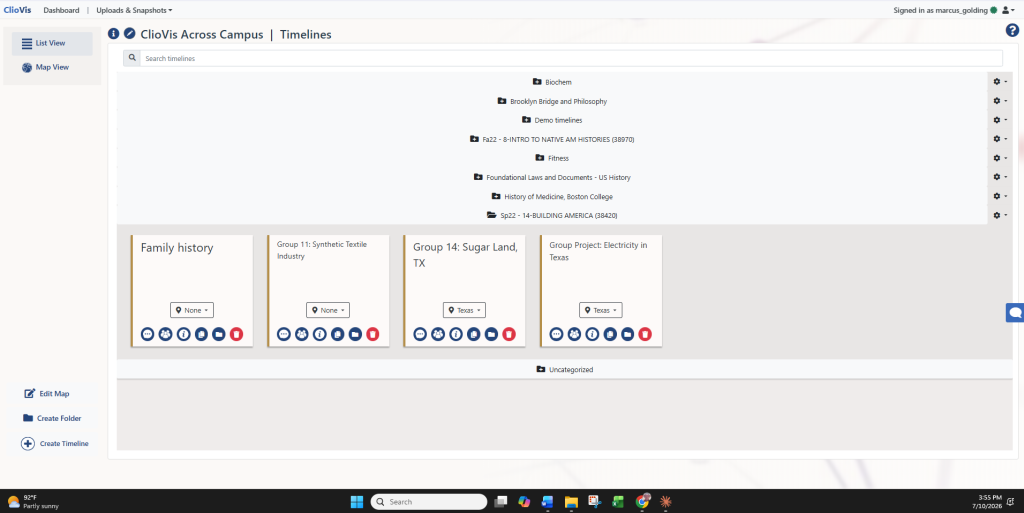
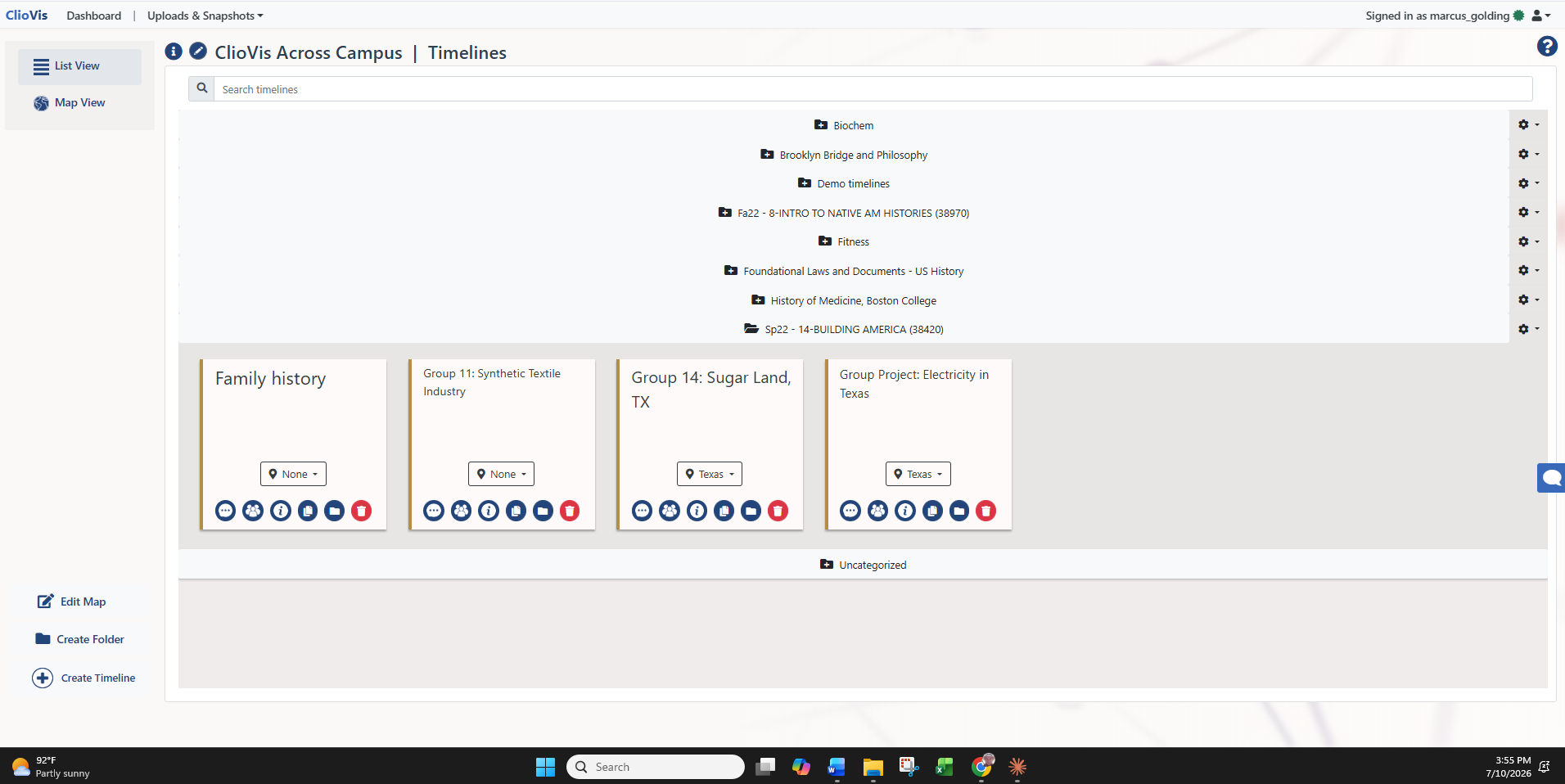
    Every ClioVis workspace begins with a project. A project can contain one or several timelines, allowing users to organize their work around a course, research question, assignment, theme, historical period, or collaborative initiative. Timelines can be organized in folders. For instructors, this makes it easier to manage course-based assignments and student work. For researchers, it provides a flexible space to separate different lines of inquiry while keeping them connected within a larger project.

    Organize Timelines with Folders

    Within a timeline, users can create folders to organize content according to the logic that best fits their work. Folders can be used to group material by topic, course unit, student group, research theme, geographic region, archival collection, chronology, or any other structure preferred by the project owner. This flexibility allows ClioVis to support many different types of organization, from classroom timelines to collaborative research projects and digital humanities visualizations.

    Arrange Events, Categories, and Connections

    ClioVis allows users to organize information through events, categories, and connections. Events can include descriptions, dates, images, sources, and contextual information. Categories help group related material visually, while connections allow users to show relationships between people, places, ideas, events, and processes.

    Together, these tools help users move beyond a simple list of facts. They make it possible to organize research as a visual argument, showing not only what happened, but how different pieces of evidence relate to one another.

    Sustain Media

    From the Case Studies

    Real stories. Real results — see ClioVis in action.

    Bring your team together with real-time editing and chat. ClioVis makes collaboration seamless, intuitive, and efficient.
    Manage references with ease. Hyperlink primary and secondary sources directly to your projects, ensuring every detail is traceable and properly cited.
    Visualize relationships and patterns across time, space, or concepts. See how ideas and processes are connected to gain deeper insights and context.

    Ready to Get Started?

    Join thousands of students, educators, and researchers who are transforming how they work with ClioVis.

  • Explore connections like never before

    Explore connections like never before

    August 28, 2025

    Explore connections like never before

    Explore Connections Like Never Before

    Mi tincidunt elit, id quisque ligula ac diam, amet. Vel etiam suspendisse morbi eleifend faucibus eget vestibulum felis. Dictum quis montes, sit sit. Tellus aliquam enim urna, etiam. Mauris posuere vulputate arcu amet, vitae nisi, tellus tincidunt. At feugiat sapien varius id.

    Eget quis mi enim, leo lacinia pharetra, semper. Eget in volutpat mollis at volutpat lectus velit, sed auctor. Porttitor fames arcu quis fusce augue enim. Quis at habitant diam at. Suscipit tristique risus, at donec. In turpis vel et quam imperdiet. Ipsum molestie aliquet sodales id est ac volutpat.

    Ipsum sit mattis nulla quam nulla. Gravida id gravida ac enim mauris id. Non pellentesque congue eget consectetur turpis. Sapien, dictum molestie sem tempor. Diam elit, orci, tincidunt aenean tempus. Quis velit eget ut tortor tellus. Sed vel, congue felis elit erat nam nibh orci.

    “In a world older and more complete than ours they move finished and complete, gifted with extensions of the senses we have lost or never attained, living by voices we shall never hear.”

    — Olivia Rhye, Product Designer

    Dolor enim eu tortor urna sed duis nulla. Aliquam vestibulum, nulla odio nisl vitae. In aliquet pellentesque aenean hac vestibulum turpis mi bibendum diam. Tempor integer aliquam in vitae malesuada fringilla.

    Elit nisi in eleifend sed nisi. Pulvinar at orci, proin imperdiet commodo consectetur convallis risus. Sed condimentum enim dignissim adipiscing faucibus consequat, urna. Viverra purus et erat auctor aliquam. Risus, volutpat vulputate posuere purus sit congue convallis aliquet. Arcu id augue ut feugiat donec porttitor neque. Mauris, neque ultricies eu vestibulum, bibendum quam lorem id. Dolor lacus, eget nunc lectus in tellus, pharetra, porttitor.

    Ipsum sit mattis nulla quam nulla. Gravida id gravida ac enim mauris id. Non pellentesque congue eget consectetur turpis. Sapien, dictum molestie sem tempor. Diam elit, orci, tincidunt aenean tempus. Quis velit eget ut tortor tellus. Sed vel, congue felis elit erat nam nibh orci.

    Software and tools

    Mi tincidunt elit, id quisque ligula ac diam, amet. Vel etiam suspendisse morbi eleifend faucibus eget vestibulum felis. Dictum quis montes, sit sit. Tellus aliquam enim urna, etiam. Mauris posuere vulputate arcu amet, vitae nisi, tellus tincidunt. At feugiat sapien varius id.

    Eget quis mi enim, leo lacinia pharetra, semper. Eget in volutpat mollis at volutpat lectus velit, sed auctor. Porttitor fames arcu quis fusce augue enim. Quis at habitant diam at. Suscipit tristique risus, at donec. In turpis vel et quam imperdiet. Ipsum molestie aliquet sodales id est ac volutpat.

    Other resources

    Sagittis et eu at elementum, quis in. Proin praesent volutpat egestas sociis sit lorem nunc nunc sit. Eget diam curabitur mi ac. Auctor rutrum lacus malesuada massa ornare et. Vulputate consectetur ac ultrices at diam dui eget fringilla tincidunt. Arcu sit dignissim massa erat cursus vulputate gravida id. Sed quis auctor vulputate hac elementum gravida cursus dis.

    1. Lectus id duis vitae porttitor enim gravida morbi.
    2. Eu turpis posuere semper feugiat volutpat elit, ultrices suspendisse. Auctor vel in vitae placerat.
    3. Suspendisse maecenas ac donec scelerisque diam sed est duis purus.

    Ipsum sit mattis nulla quam nulla. Gravida id gravida ac enim mauris id. Non pellentesque congue eget consectetur turpis. Sapien, dictum molestie sem tempor. Diam elit, orci, tincidunt aenean tempus. Quis velit eget ut tortor tellus. Sed vel, congue felis elit erat nam nibh orci.

    Conclusion

    Morbi sed imperdiet in ipsum, adipiscing elit dui lectus. Tellus id scelerisque est ultricies ultricies. Duis est sit sed leo nisl, blandit elit sagittis. Quisque tristique consequat quam sed. Nisl at scelerisque amet nulla purus habitasse.

    Nunc sed faucibus bibendum feugiat sed interdum. Ipsum egestas condimentum mi massa. In tincidunt pharetra consectetur sed duis facilisis metus. Etiam egestas in nec sed et. Quis lobortis at sit dictum eget nibh tortor commodo cursus.

    Odio felis sagittis, morbi feugiat tortor vitae feugiat fusce aliquet. Nam elementum urna nisi aliquet erat dolor enim. Ornare id morbi eget ipsum. Aliquam senectus neque ut id eget consectetur dictum. Donec posuere pharetra odio consequat scelerisque et, nunc tortor.

    Sustain Media

    From the Case Studies

    Real stories. Real results — see ClioVis in action.

    Bring your team together with real-time editing and chat. ClioVis makes collaboration seamless, intuitive, and efficient.
    Manage references with ease. Hyperlink primary and secondary sources directly to your projects, ensuring every detail is traceable and properly cited.
    Visualize relationships and patterns across time, space, or concepts. See how ideas and processes are connected to gain deeper insights and context.

    Ready to Get Started?

    Join thousands of students, educators, and researchers who are transforming how they work with ClioVis.