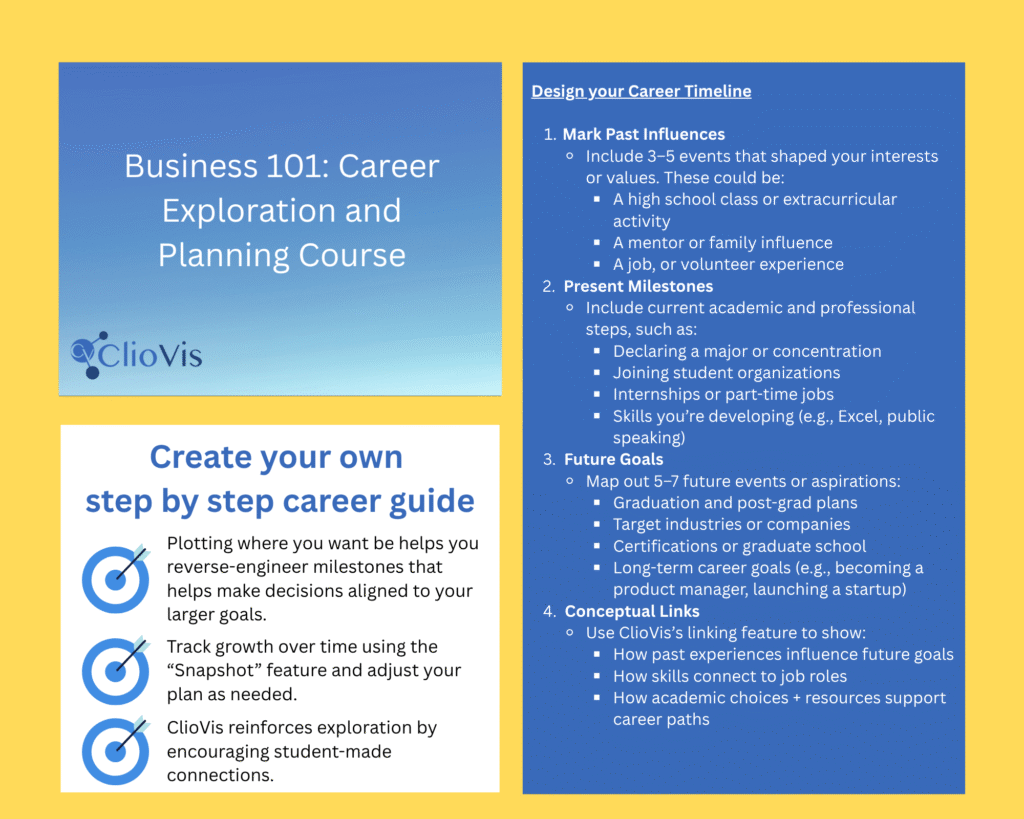
ClioVis helps users organize complex information into clear, structured, and visually meaningful projects. Instead of keeping research scattered across documents, slides, spreadsheets, and separate notes, ClioVis allows instructors, students, and researchers to organize their work into structured projects and timelines.
Structure Your Work by Project
Every ClioVis workspace begins with a project. A project can contain one or several timelines, allowing users to organize their work around a course, research question, assignment, theme, historical period, or collaborative initiative. Timelines can also be organized into folders.
For instructors, this makes it easier to manage course-based assignments and student work. For researchers, it provides a flexible space to separate different lines of inquiry while keeping them connected within a larger project.
“In a world older and more complete than ours they move finished and complete, gifted with extensions of the senses we have lost or never attained, living by voices we shall never hear.”
— Olivia Rhye, Product Designer
Organize Timelines with Folders
Within a timeline, users can create folders to organize content according to the logic that best fits their work. Folders can be used to group material by topic, course unit, student group, research theme, geographic region, archival collection, chronology, or any other structure preferred by the project owner.
This flexibility allows ClioVis to support many different types of organization, from classroom timelines to collaborative research projects and digital humanities visualizations.
Arrange Events, Categories, and Connections
ClioVis allows users to organize information through events, categories, and connections. Events can include descriptions, dates, images, sources, and contextual information. Categories help group related material visually, while connections allow users to show relationships between people, places, ideas, events, and processes.
Together, these tools help users move beyond a simple list of facts. They make it possible to organize research as a visual argument, showing not only what happened, but how different pieces of evidence relate to one another.
Software and tools